Home, lock, or both.
Autumn talks directly to Android’s wallpaper system — no cropping tricks, no blur, no wait. Try it.
Set wallpaper
Autumn for Android
Hand-curated 4K wallpapers that shift with the light — morning, dusk, and night, automatically.
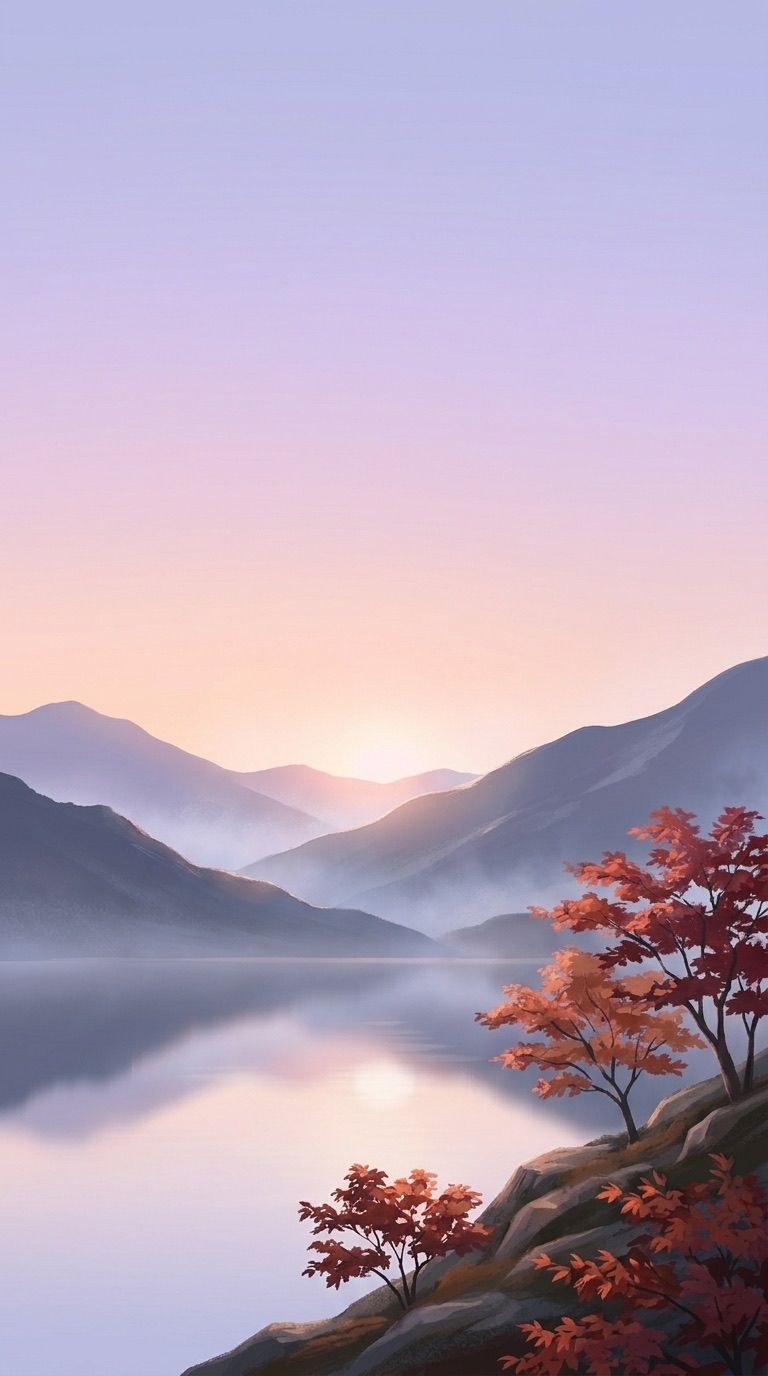
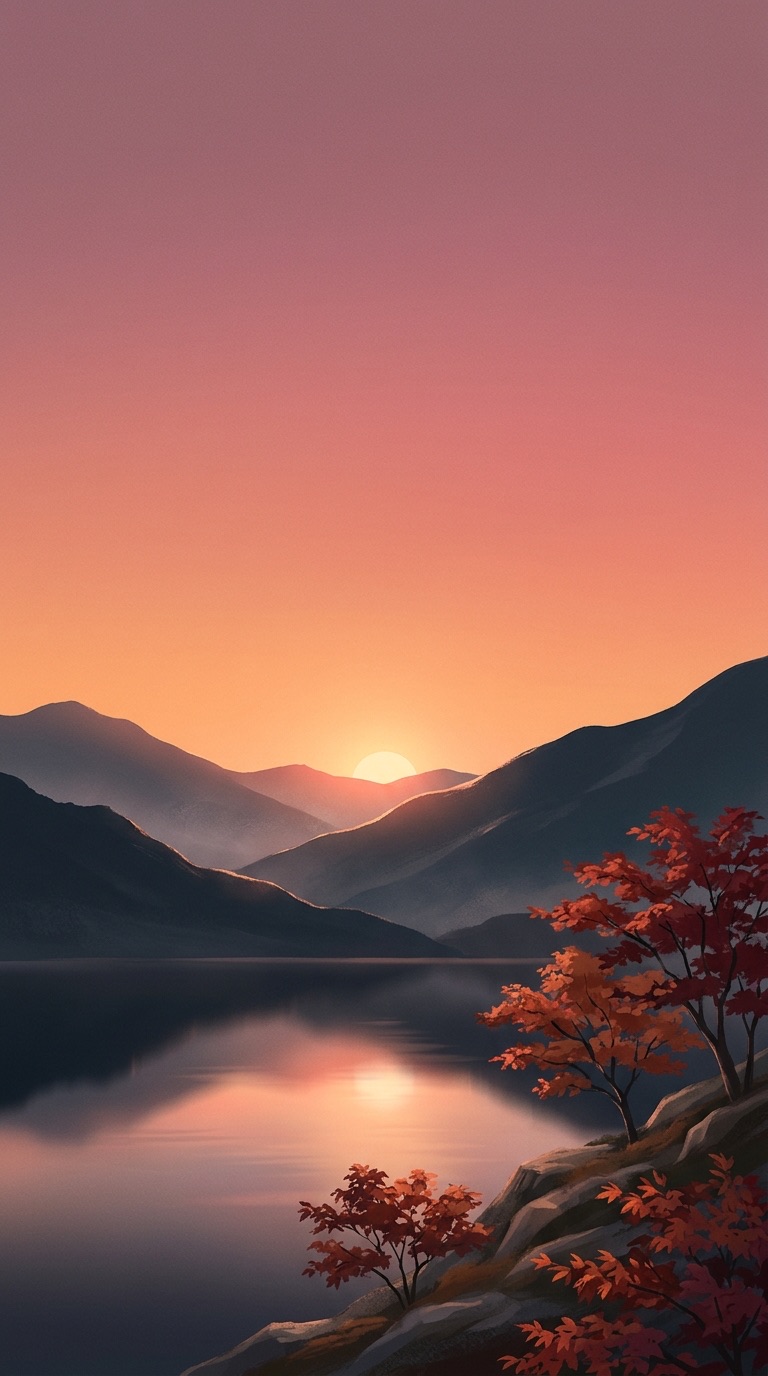
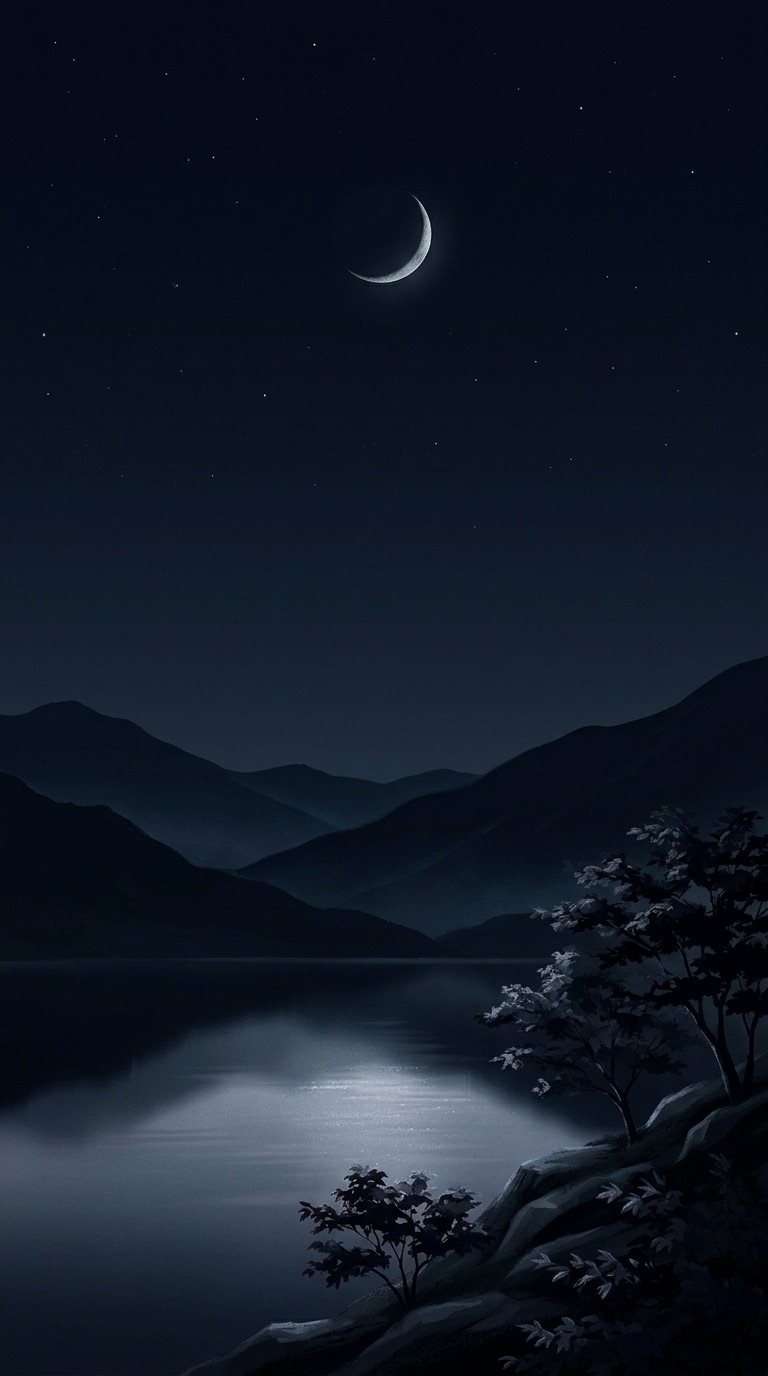
Time-Shift
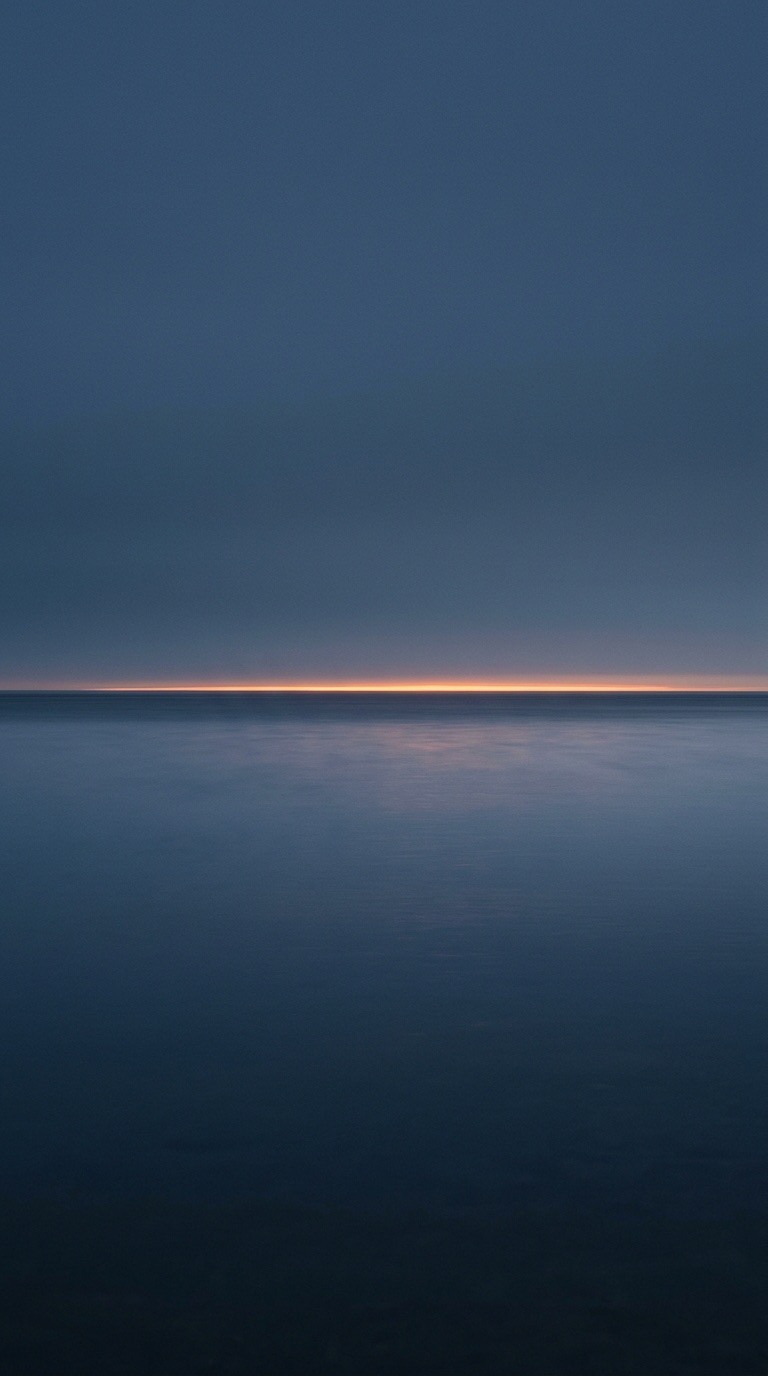
A wallpaper shouldn’t stand still. Autumn moves with your day — soft in the morning, warm at dusk, and dark when the world goes to sleep.
Time-Shift
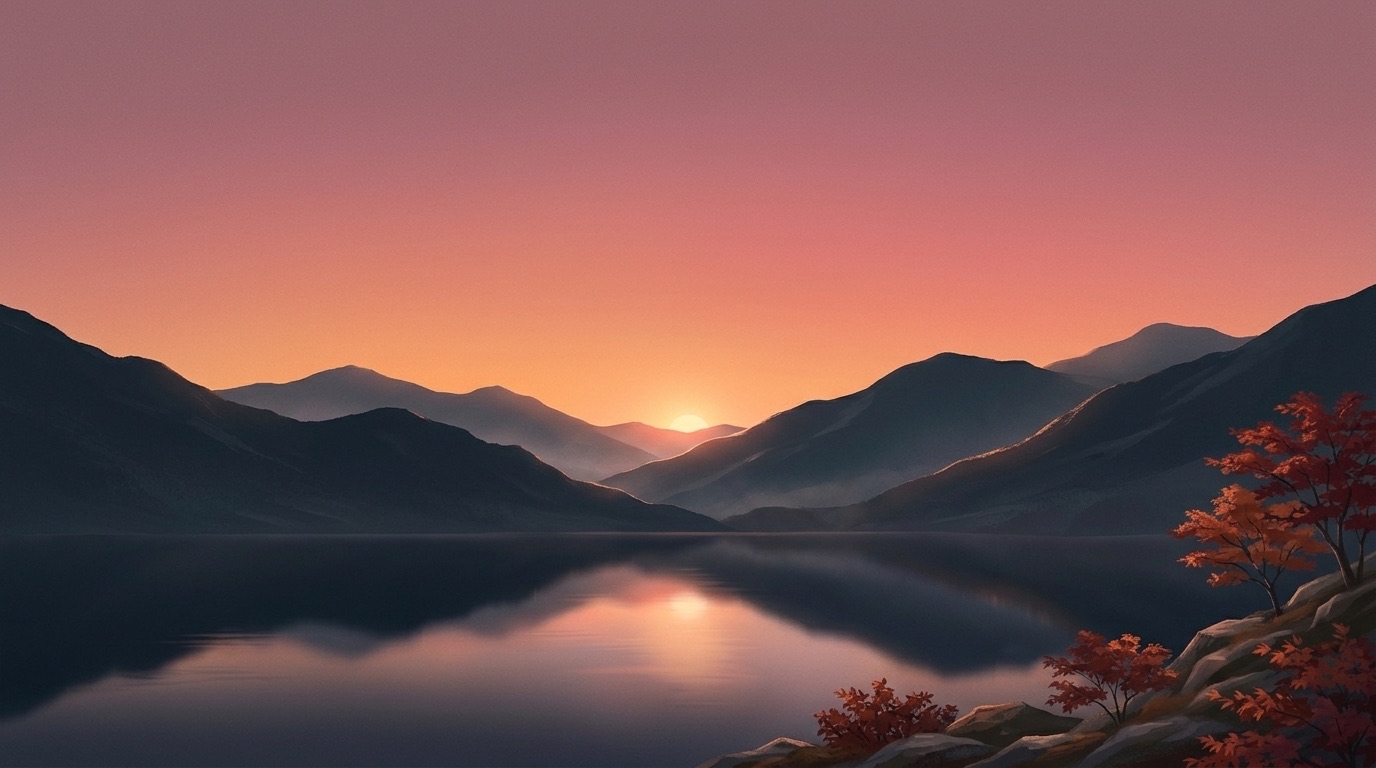
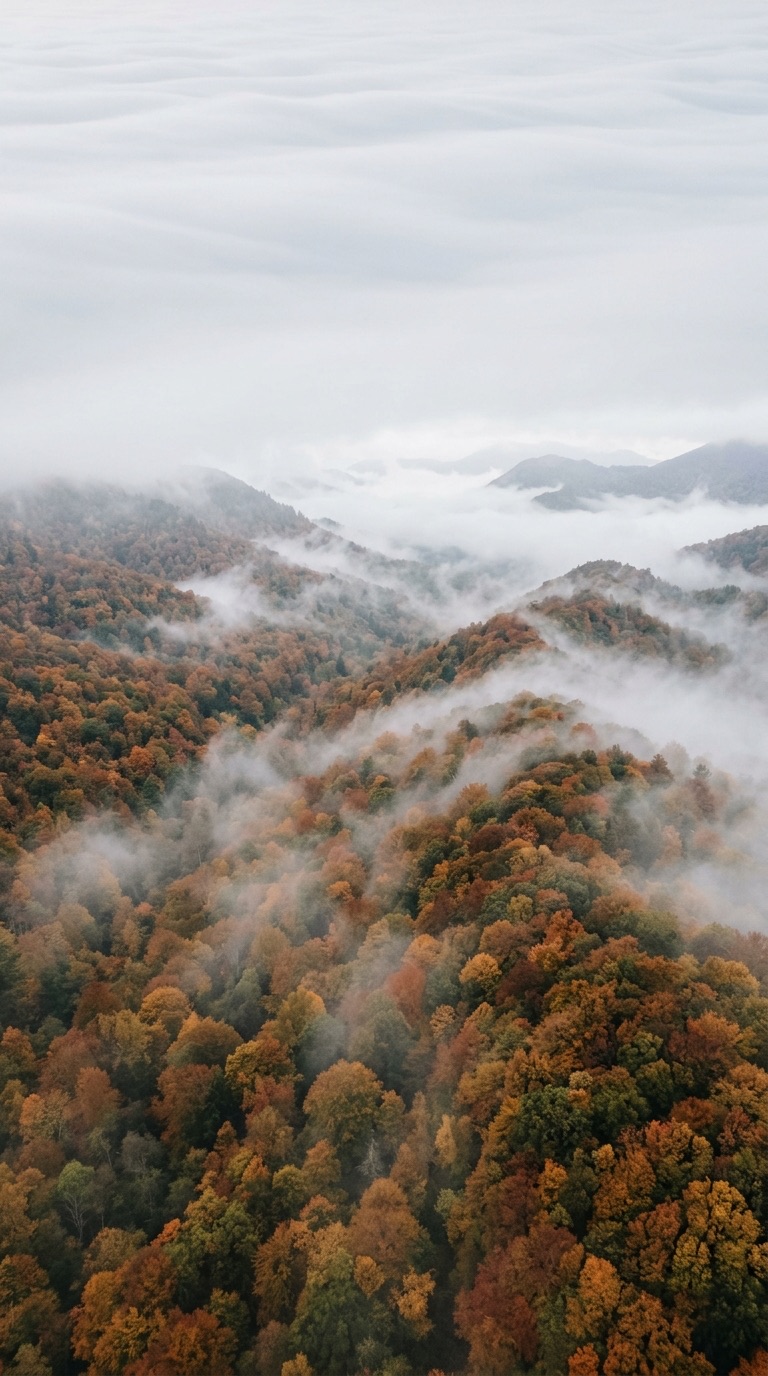
As the sun clears the horizon, your screen wakes softly — pale peach, lavender haze, mist still pooled in the valley.
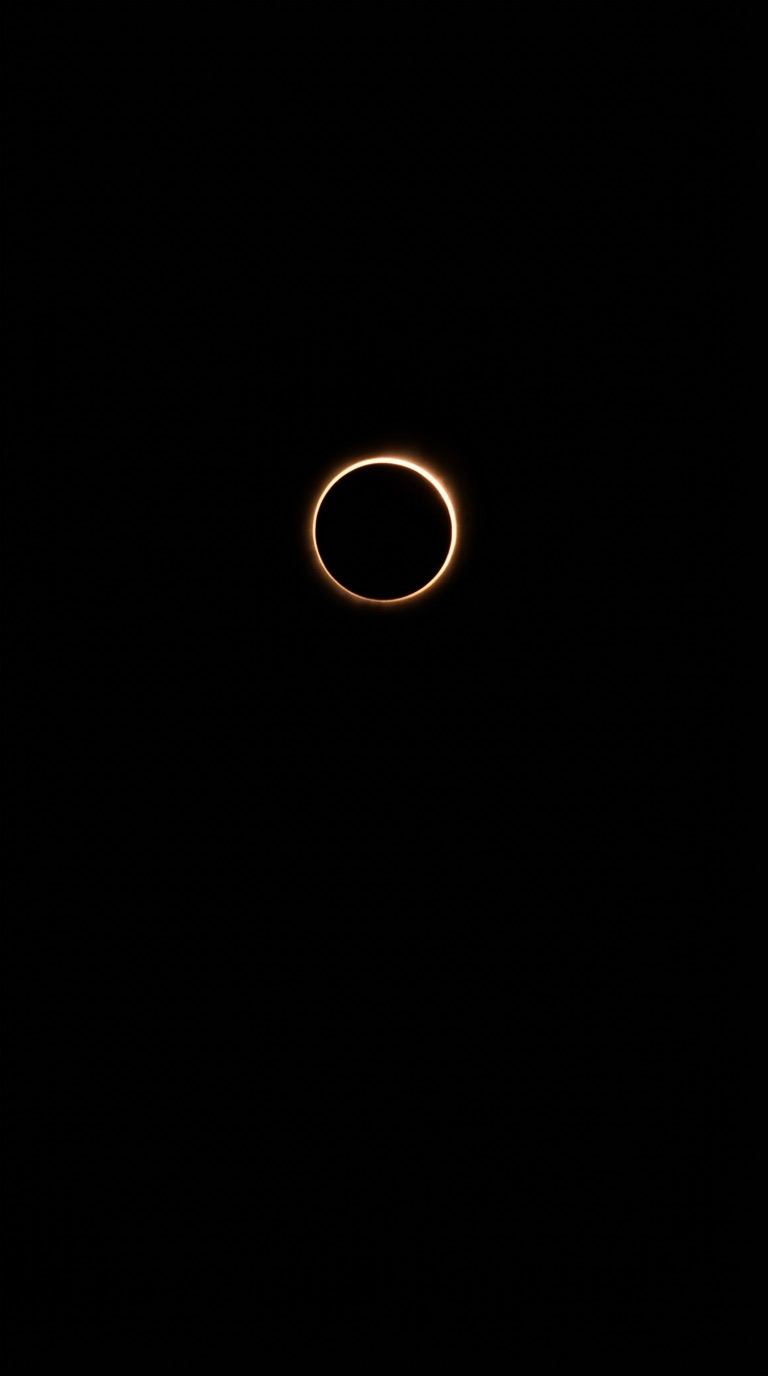
AMOLED Noir
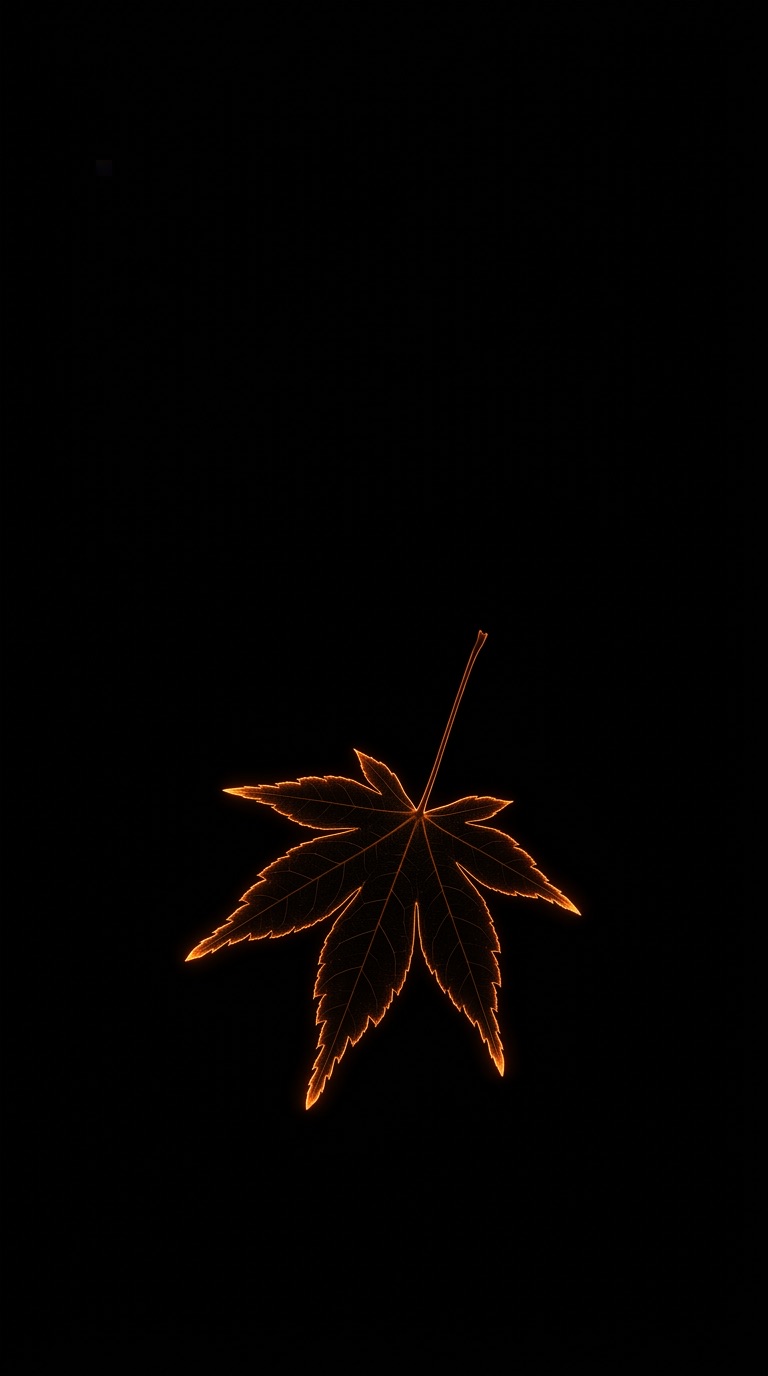
Noir wallpapers are hand-calibrated to true black. On OLED displays, every black pixel switches off entirely — infinite contrast, and less battery spent lighting nothing.
The Collection
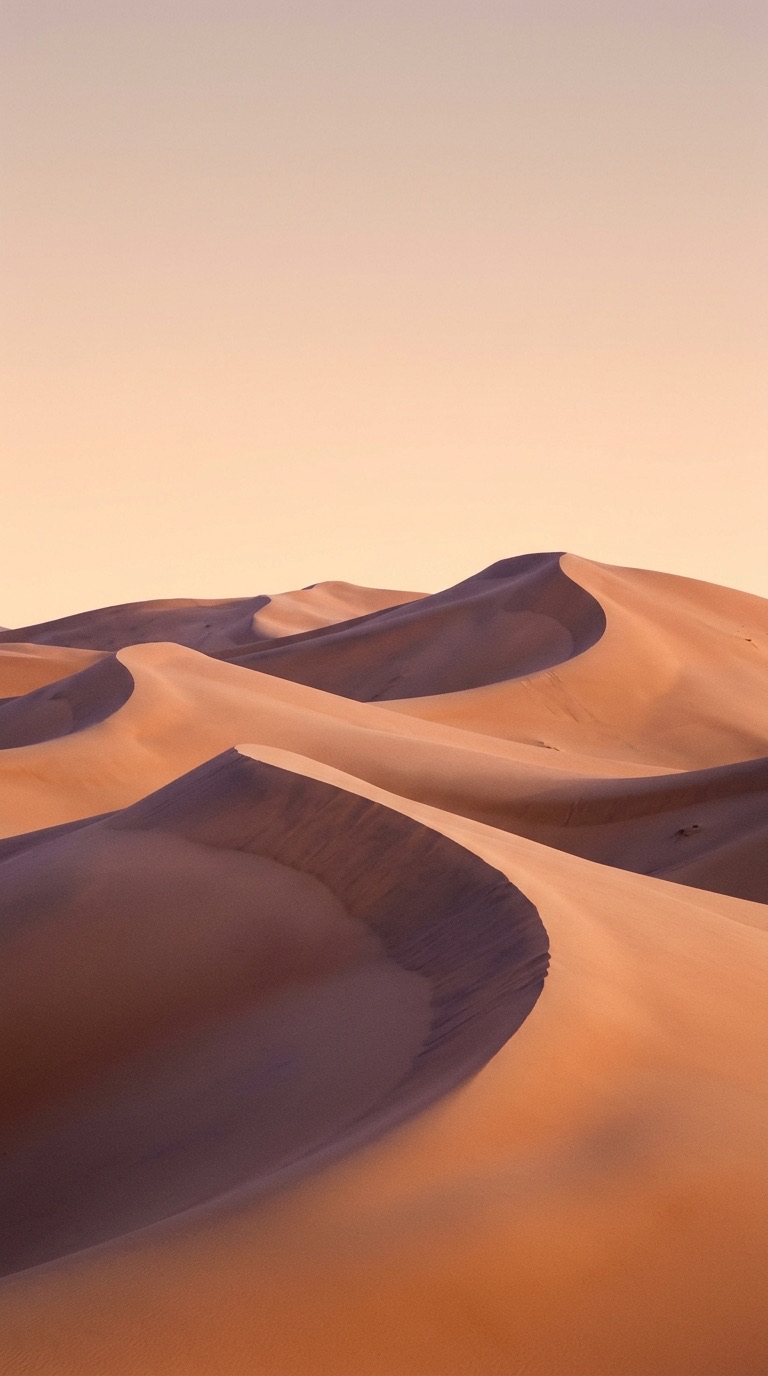
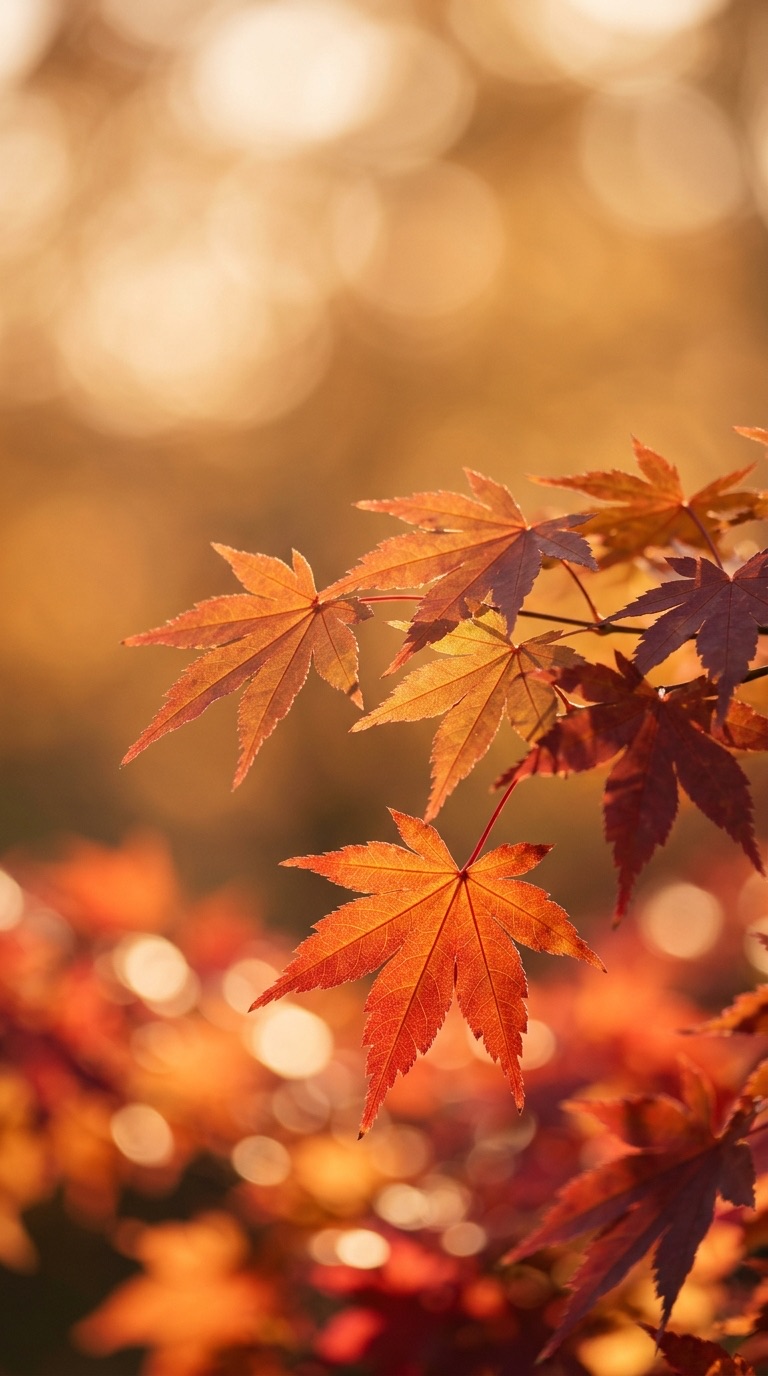
Every wallpaper is chosen by hand, color-tuned for wide-gamut displays and delivered in Ultra-HD 4K. New artist collections arrive every week.
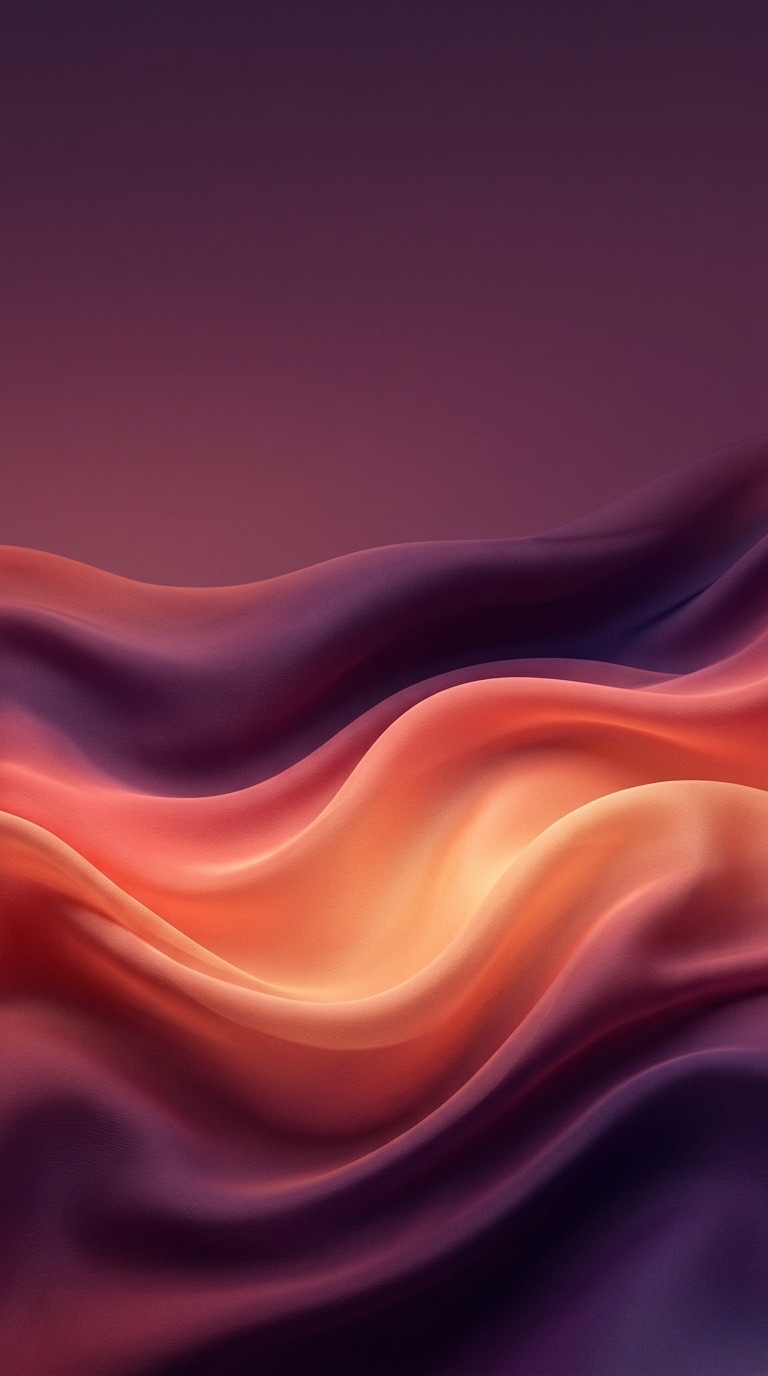
Made for Android
Autumn talks directly to Android’s wallpaper system — no cropping tricks, no blur, no wait. Try it.
Set wallpaper
Solar arcs, daylight countdowns and event markers — quiet enough to sit on top of the art.
Kyoto trip
12
days to go
Sunset
18:05
in 2h 14m
Quiet by design
No background service.
Time-Shift schedules one exact system alarm per change and finishes in milliseconds. Static 4K images, not a GPU-hungry live wallpaper — so battery drain is virtually zero.
No tracking SDKs.
No behavioral data collection. Solar calculations happen on your phone, without pinging your location to anyone.
No connection needed.
Favorites and Time-Shift playlists are cached on your device, ready to apply anywhere — offline.
Time-Shift uses native Android alarms and your device's astronomical solar calculation to determine morning, dusk, and night intervals. Rather than running a constant background service that drains your battery, Autumn registers an exact wake-alarm with Android OS that updates the wallpaper at precision intervals in less than 20 milliseconds.
Virtually zero. Unlike live wallpaper apps that continuously render 3D graphics and consume GPU cycles, Autumn uses static native 4K bitmaps applied directly via Android WallpaperManager. Our AMOLED Noir collections actually conserve battery life on OLED displays by turning off dark pixels entirely.
Yes. Autumn provides direct options to apply any wallpaper to your Home Screen, Lock Screen, or both simultaneously with a single tap.
All wallpapers are uploaded in Ultra-HD 4K (typically 2160x3840 or higher) with wide-gamut P3 color calibration to ensure crisp detail on flagships including Samsung Galaxy Ultra, Google Pixel Pro, and Xiaomi high-DPI displays.
No. Wallpapers in your saved favorites and active Time-Shift playlists are securely cached locally on your device for offline application anywhere.
Autumn Pro subscriptions and lifetime licenses are managed securely through Google Play Billing and RevenueCat. You can cancel or restore your purchase at any time across all your Android devices with a single tap.